Capability 01
AI site survey generation
Create site surveys simply by speaking. AI converts your voice into structured data instantly, eliminating manual setup and reducing errors.
Artificial intelligence
Integrio's AI-powered tools remove the complexity from project configuration, information analysis and reporting. From building location assessments through speech recognition to summarising intricate forms into actionable directions, AI helps your teams work quicker and smarter.
Free 7-day trial · no credit card required
Summarise the surveys and tell me which products still need commissioning.
I found 7 incomplete products across 3 spaces. Here is the prioritised action list.
Generated action list
Integrio's AI builds site surveys from your voice, turns completed forms into plain-English summaries, analyses several forms at once to find shared items and produce BOQ summaries, and extracts serial numbers, model numbers and specifications from photos of equipment labels. Everything it produces can be reviewed and edited before it is used.
Last updated 30 September 2026.
Key tools for AI automation
Artificial intelligence is integrated into every part of Integrio. It simplifies the most time-consuming parts of project configuration and management, whether that is building forms from spoken directions, summarising assessment information or analysing multiple reports at once.
Capability 01
Create site surveys simply by speaking. AI converts your voice into structured data instantly, eliminating manual setup and reducing errors.
Capability 02
Convert complex form data into clear, plain-English summaries instantly, turning technical inputs into actionable instructions for your teams.
Capability 03
Analyse and summarise multiple surveys at the same time for combined insights, and get a complete picture of your project status in seconds.
Capability 04
Automatically extract text, labels and product information from images. OCR captures serial numbers, model numbers and specifications from photos instantly.
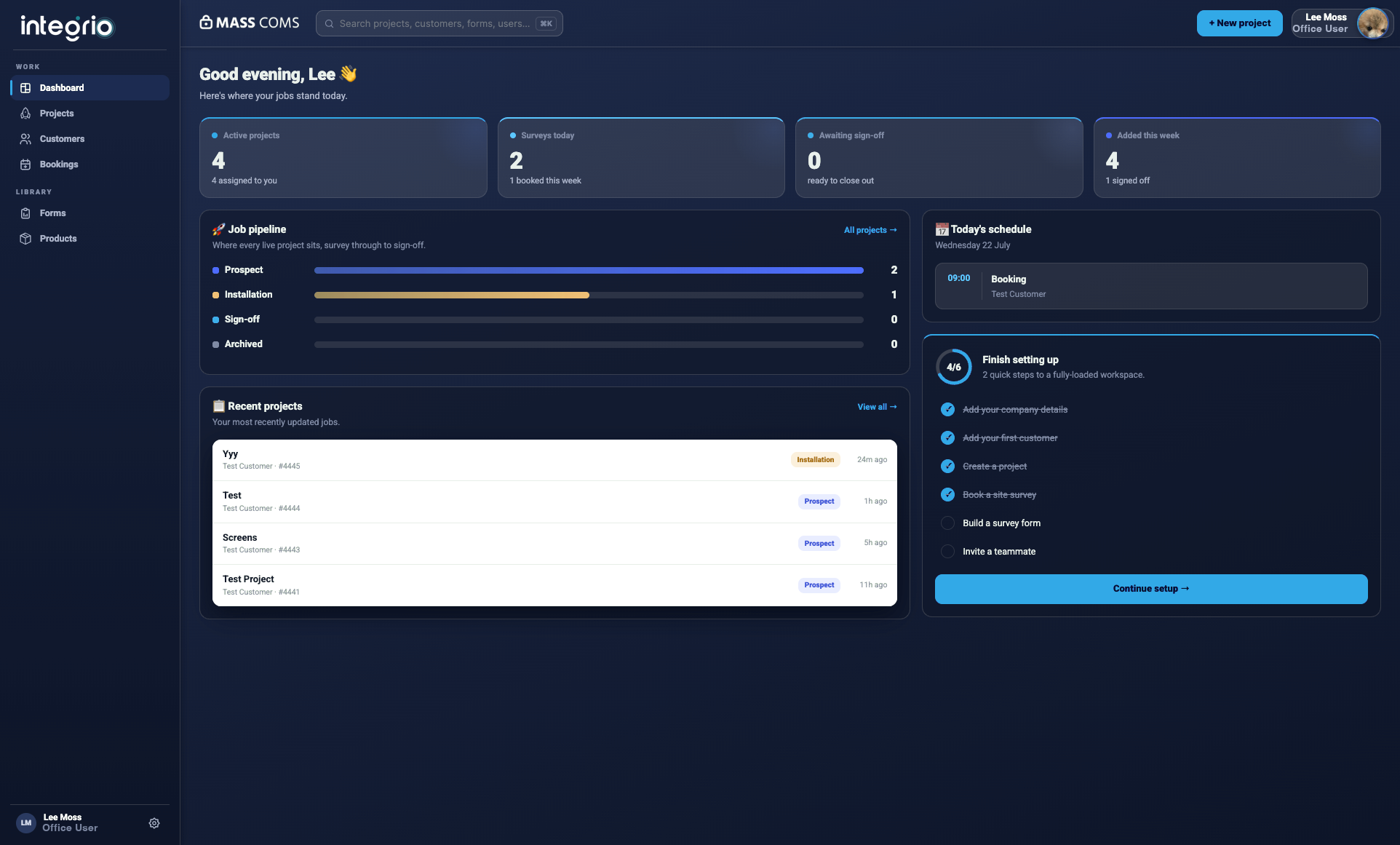
Office and field, connected
Building a location assessment has never been simpler. Tell the app how many areas your location includes, which forms to link to each area, which notes apply to each zone and which location the areas belong to. If an area name isn't known, Integrio creates a “TBC” placeholder you can rename later, then produces a draft layout to review, edit and finalise with a single click.
✓Voice-to-text form construction
✓Auto-annotated information capture
✓Editable draft layouts before confirmation
✓Quicker, error-free assessment setup
Doing this job?
Yes. Simply describe your location, areas and forms aloud. Integrio's AI transforms your voice into text, structures it into a digital assessment and presents it for review.
Absolutely. Every AI-produced layout can be reviewed, edited or expanded before final approval.
Voice-to-text functionality needs a brief connection for processing, but all produced information is stored securely and synchronised automatically once you are back online.
Yes. Multi-Form Summarise can analyse information from multiple forms or assessments, providing combined insights and shared material requirements.
Yes. All AI-produced summaries can be included in your project reports, client documents or handover packs.
See it on your next site