FM teams & FM contractors

Facilities management.
Every installed asset, from delivery to its next service.

Integrio tracks the plant and equipment in the buildings you look after: replacement kit delivered and installed, serials and data points per asset, test records, planned maintenance, helpdesk tickets and warranties, all against the same installed product.

From £15 per user per month · free 7-day trial, no credit card required
7-day free trialWorks offlineiOS & Android apps
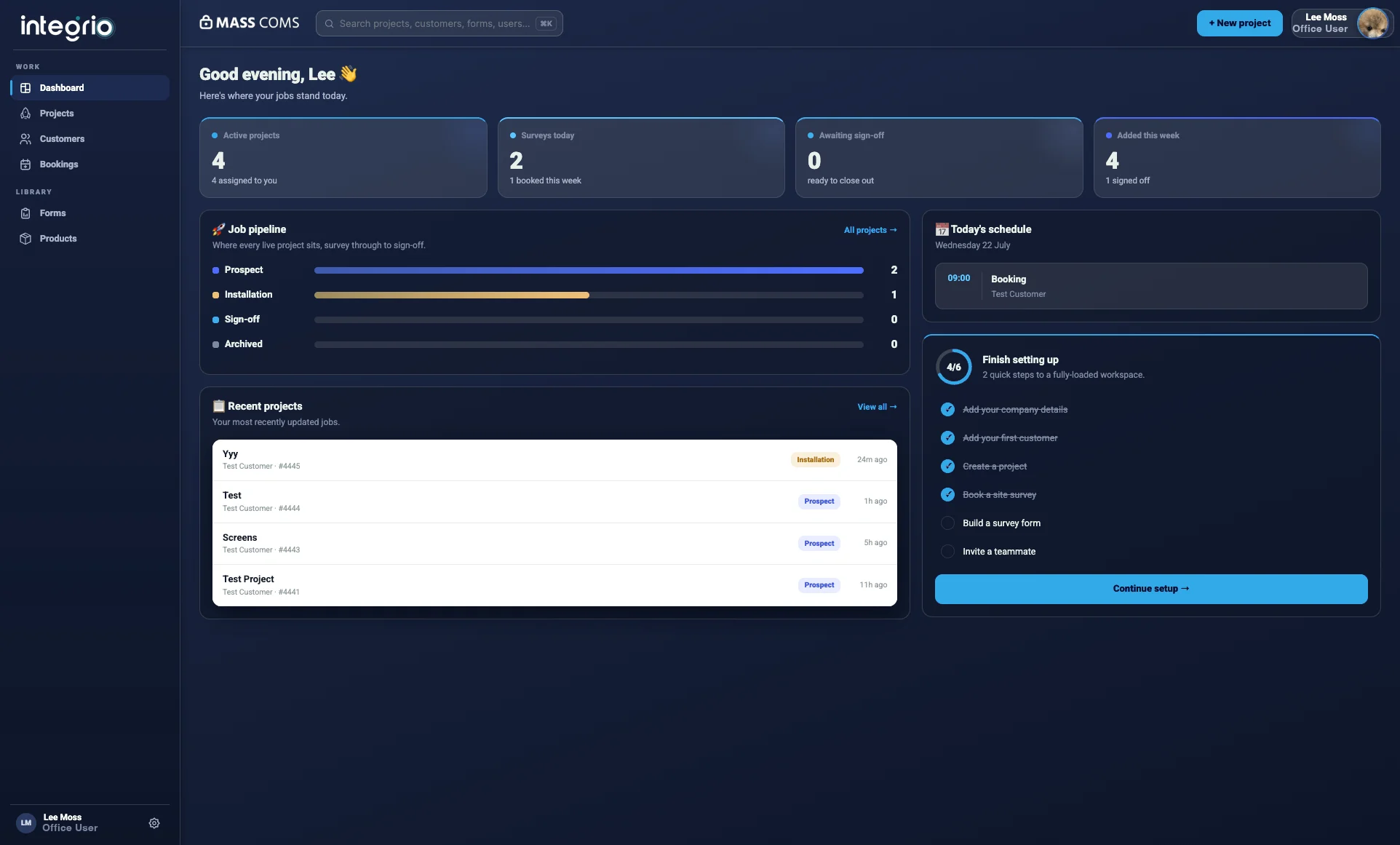
The Integrio dashboard showing projects, installed products and maintenance work across customer sites
Facilities Management recordLive
12Sites
640Assets
9Tickets
Plant room 2 · Replacement pump installedUpdated

Serial captured, commissioning form complete, warranty dates set. Next maintenance visit already on the calendar.

How does Integrio help facilities management teams manage installed assets?

Integrio tracks each installed asset through its lifecycle: replacement plant delivered and checked in by QR, serials and data points captured on install, test and commissioning forms attached to the asset, recurring maintenance visits scheduled, and helpdesk tickets, SLAs and warranties held against the same installed product by customer, site and space.

Last updated 30 September 2026.

01Installed assets
02Replacement plant
03Planned maintenance
04Helpdesk & warranties

The challenge

The asset record falls apart after the install.

Replacement plant arrives, a contractor fits it, and the serials, test sheets and warranty details end up in an email, a van or a spreadsheet. When the next fault comes in, nobody can say what was installed, when, by whom, or whether it's still under warranty.

01

Replacement kit with no delivery plan

Pumps, fan coils, lighting, controls and chargers arrive in part-loads from different suppliers. Without a delivery schedule, short or incomplete orders are found on the day of the install.

02

Serials that never reach the office

Model numbers, serials and configuration are written on a job sheet or photographed on someone's phone, so the installed asset has no reliable record.

03

Test records that don't tie to the asset

Commissioning and test forms sit in a shared drive, not against the unit they describe, so they can't be found when a fault is reported.

04

Planned maintenance on memory

Recurring service visits live in a spreadsheet or someone's calendar. Visits get missed, and there's no history of what was done to which asset.

05

Tickets with no asset history

A fault report arrives by phone or email with no link to the equipment, its install date, its test records or the last visit.

06

Warranties and contractors out of sight

Warranty periods expire unnoticed, and subcontractors either have no access to the job or see far more than they should.

One continuous record

Deliver. Install. Maintain. Support.

One record per site, space and installed asset, so what was delivered, fitted, tested and serviced is the same list — and it's still there when the next ticket arrives.

01

Deliver

Build a delivery schedule for each replacement or refit project. Track incoming items from supplier to site, flag incomplete orders and check items in by scanning their QR codes.

02

Install

Engineers record serials, ratings and other data points against each asset as it's fitted, and complete test and commissioning forms attached to that asset, with mandatory fields before sign-off.

03

Maintain

Schedule one-time or recurring maintenance visits, assign technicians and keep a complete service history against every installed asset.

04

Support

Log faults as helpdesk tickets against the installed product, set SLA response times per customer, and track warranty periods with alerts before they expire.

One connected record

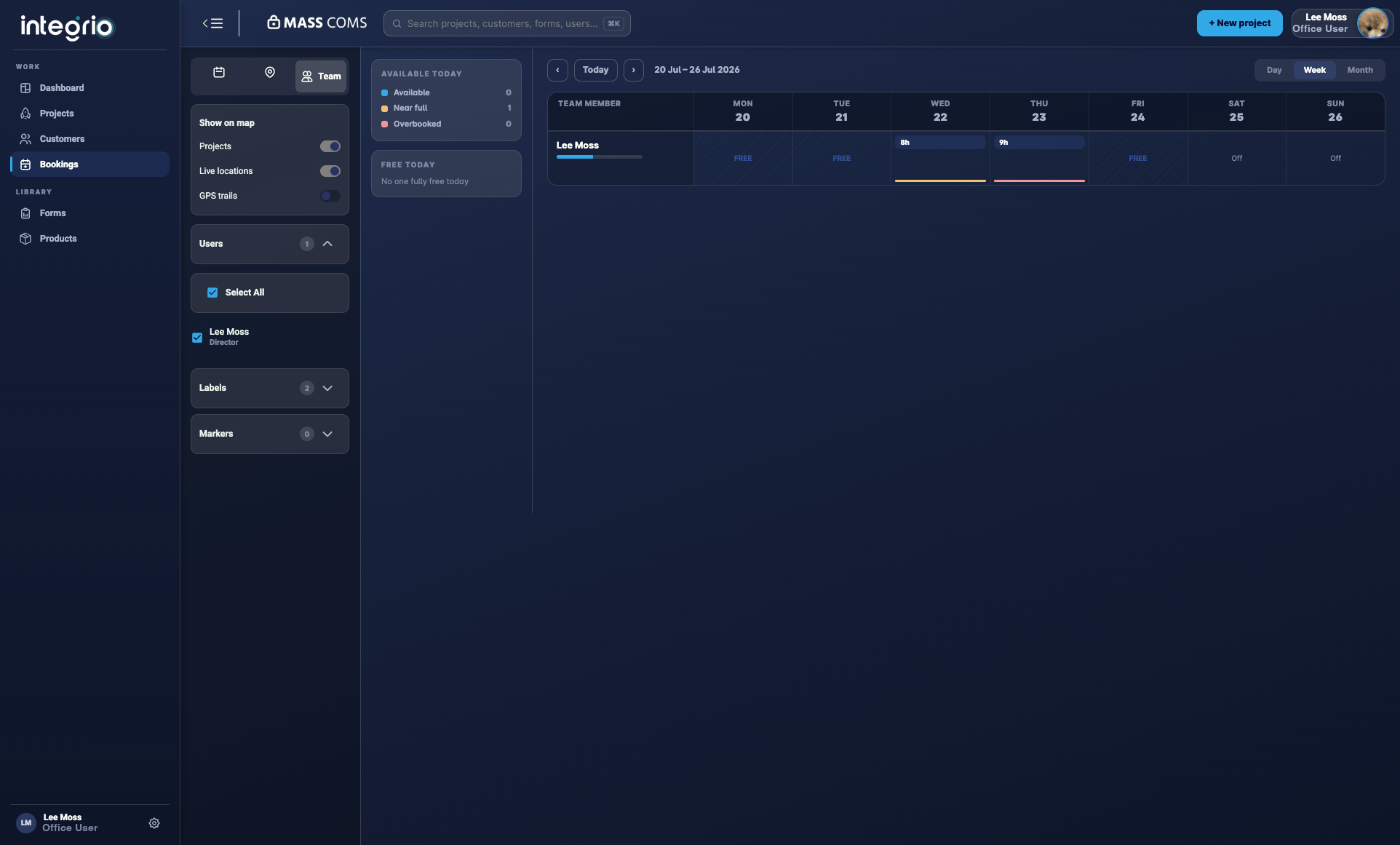
The asset list, the service history and the crew calendar in one place.

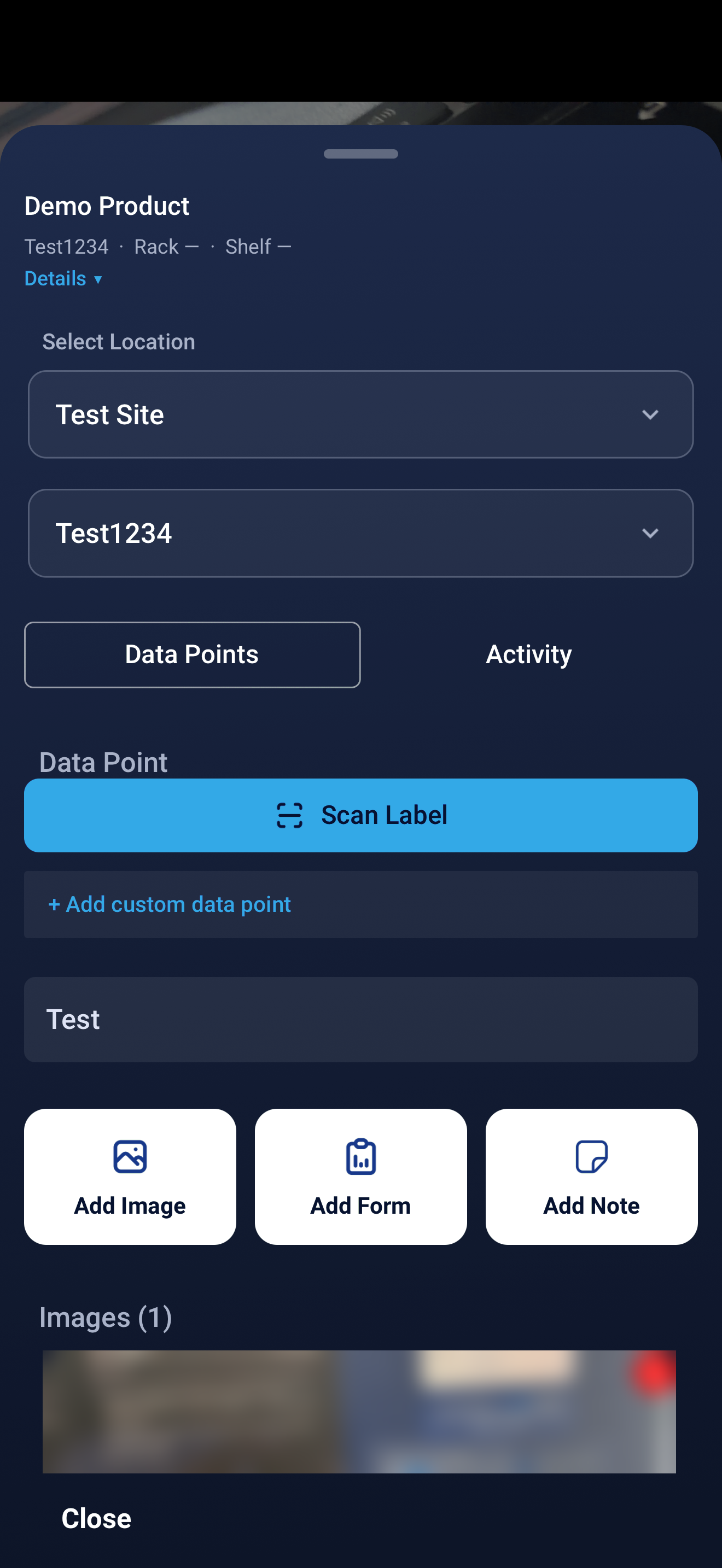
The office builds projects, delivery schedules and maintenance visits in the portal. Engineers and contractors work from the iOS and Android apps, offline in basements and plant rooms, and every serial, test and visit lands on the asset it belongs to.

Search every installed product by customer, site or space, with its full history and helpdesk tickets

Testing and commissioning forms with mandatory fields before project sign-off

Warranty periods tracked, with alerts when they approach expiry

Facilities Management workspace in Integrio
Facilities Management mobile field workflow

Facilities Management toolkit

Key tools for facilities management teams.

Assets

Installed products by site & space

Search, filter and view every installed product by customer, site or space, with its data points, documentation, photos, testing records and related helpdesk tickets.

Data points

Per-asset data points

Define the fields each product type needs — serial number, model, rating, configuration — once, then capture them on site against that asset.

Deliveries

Delivery schedules & QR check-in

Manage replacement plant and equipment deliveries from supplier to site in real time. Flag incomplete orders and check items in with QR codes.

Maintenance

Planned maintenance scheduling

Plan one-time or recurring maintenance visits, assign technicians, integrate with calendars and send automated reminders.

Helpdesk

Tickets, SLAs & warranties

Raise tickets against the installed asset from the customer portal, email or web forms, create a maintenance visit from the ticket, set SLAs per customer and track warranty periods.

Contractors

Contractor & third-party access

Give subcontractors and vendors project-specific access with custom permissions, and schedule them alongside your own engineers on a shared calendar.

Every update has a place

Every installed asset has a place in the building.

Installed products are held by customer, site and space, so the pump in plant room 2 or the unit on level 3 can be found with its serials, test forms, service visits and helpdesk history attached. Scanning its QR code with a phone opens a fault submission page.

Explore AR & floor plans ↗

Facilities Management FAQ

Frequently asked questions.

01What does Integrio do for facilities management teams and FM contractors?+

It tracks the equipment installed in the buildings you look after and everything that happens to it: delivery schedules for replacement plant and equipment, serials and other data points per asset, test and commissioning forms, planned maintenance visits, helpdesk tickets, SLAs and warranty tracking, with contractor access for subcontractors.

02Can Integrio handle multiple buildings or clients?+

Yes. Installed products are organised by customer, site and space, so you can manage many locations and clients in one workspace and see each asset's full history.

03Can I track recurring maintenance schedules?+

Yes. Schedule one-time or recurring maintenance visits, assign technicians and track completion. Scheduling integrates with calendars and sends automated reminders.

04Can customers or building occupants report faults?+

Yes. Customers can submit tickets through the customer portal, email or integrated web forms, and scanning a product's QR code with a phone opens a fault submission page linked to your helpdesk.

05Does Integrio track warranties?+

Yes. It tracks warranty periods, service agreements and contract terms, and sends alerts when warranties are approaching expiry.

06Does it work without signal in plant rooms and basements?+

Yes. The mobile apps work offline, and data syncs automatically once you're back online.

See it in your environment

Start your free 7-day trial.