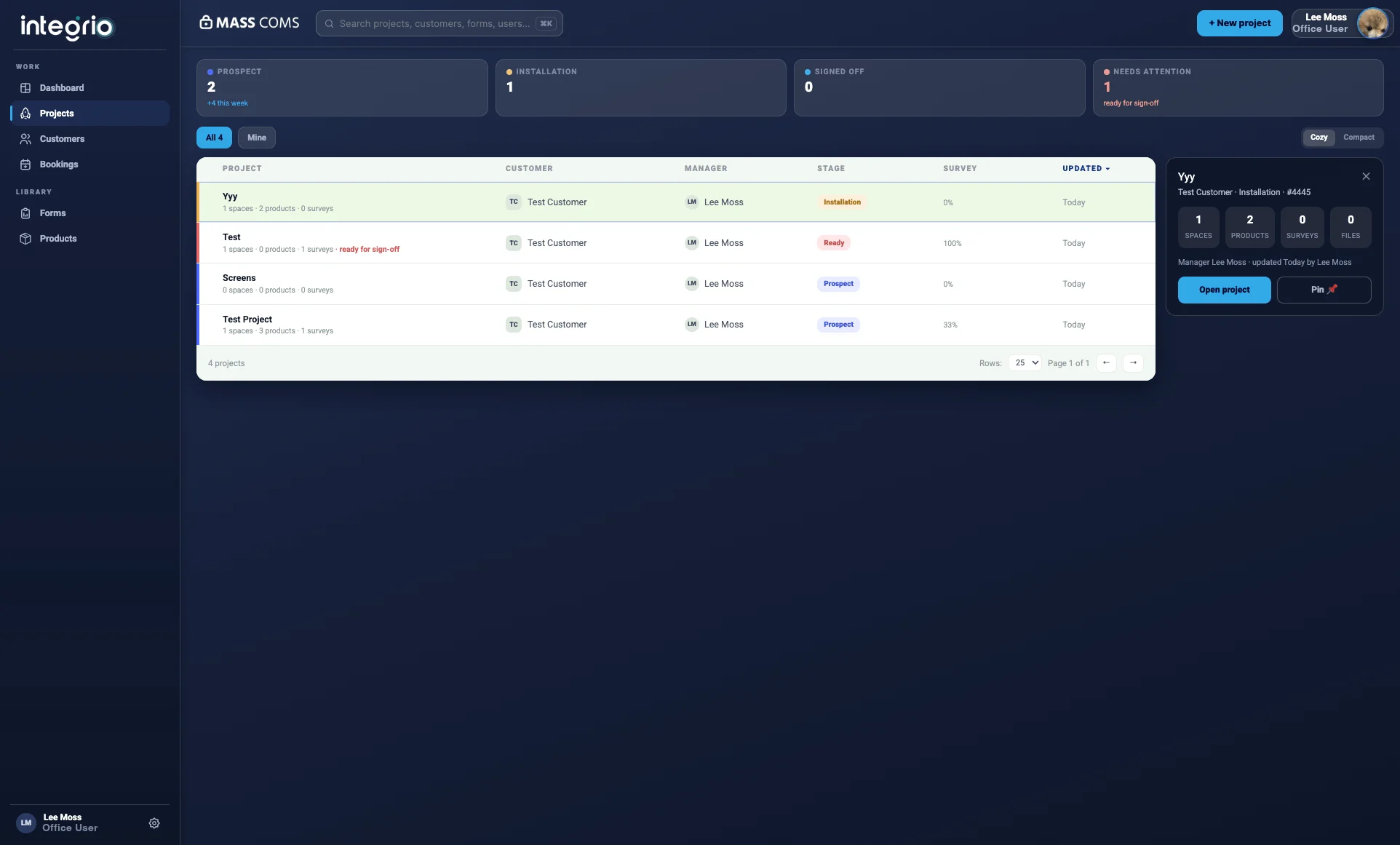
Device tracking across locations
Tracking IoT devices across multiple locations and installations is challenging, with no centralised view of device locations and status.
IoT device management & monitoring
Manage and monitor IoT devices across multiple locations. Track device installations, monitor performance, manage firmware updates and ensure connectivity with comprehensive IoT management tools.
Field Service User from £15 per month · free 7-day trial, no credit card required
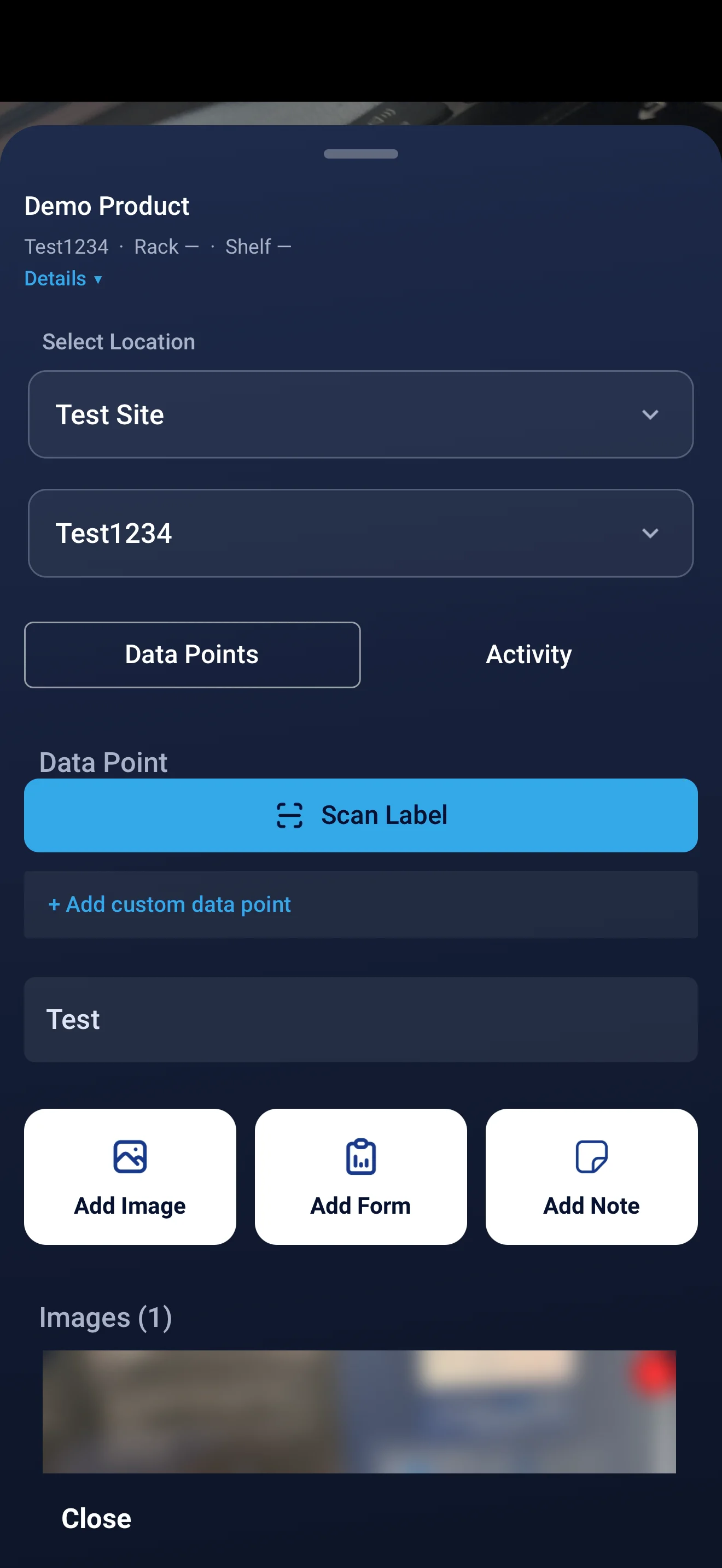
Installation photos, location and network settings recorded against the gateway and its sensors.
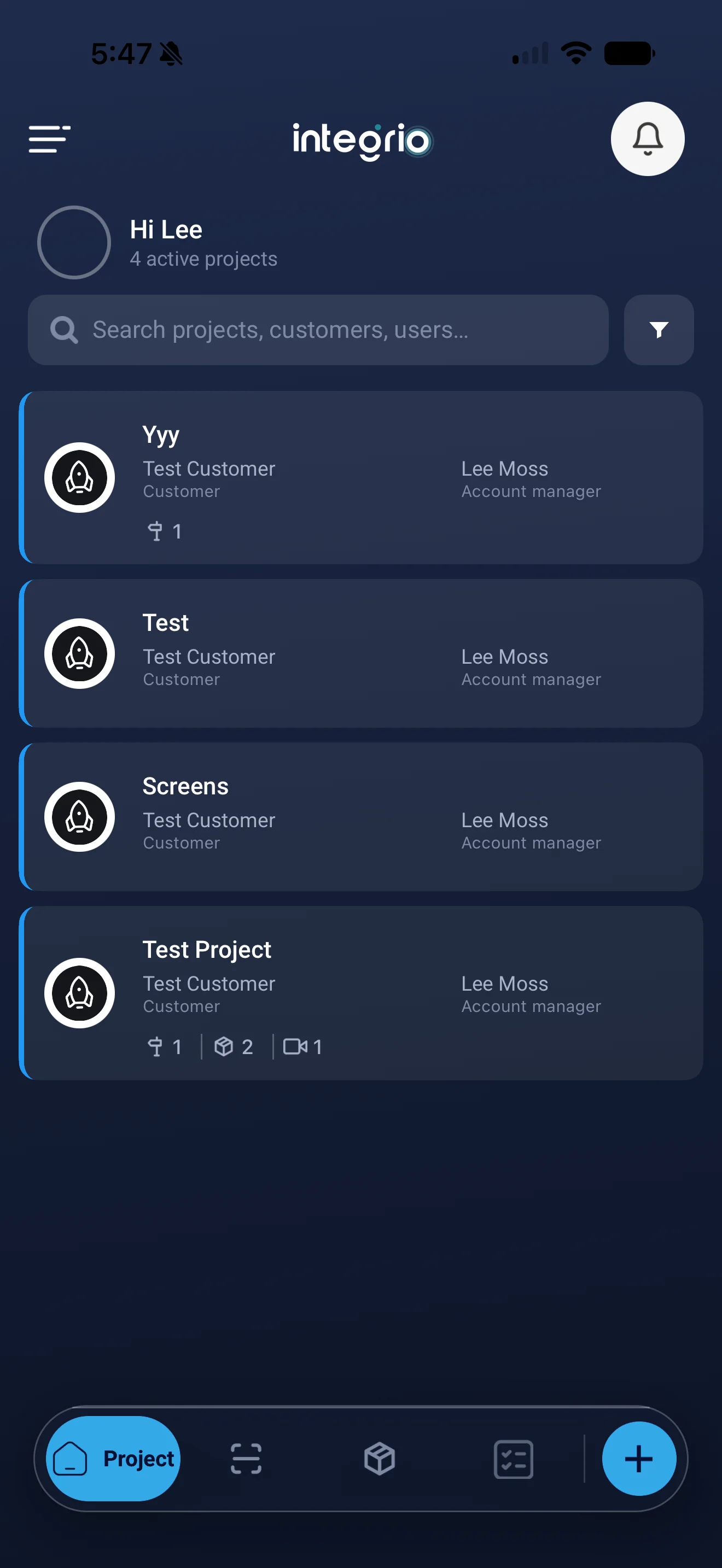
Integrio manages IoT devices from installation through ongoing monitoring. Teams record installations with location data, photos and configuration details, monitor device health and connectivity, schedule and track firmware updates with version control, and set automated alerts for failures and connectivity issues across every location.
Last updated 30 September 2026.
Doing this job?
Free templates for this work
IoT FAQ
Yes. Integrio supports multiple locations and allows you to track IoT devices, monitor device health and manage firmware updates across all installations from one central platform.
Yes. Integrio provides real-time monitoring of device health, connectivity status and performance metrics. You can see device status across all locations instantly.
Alert management is instant. You can set up automated alerts for device failures, connectivity issues and performance degradation in seconds, and get notified immediately when issues occur.
Yes. Integrio is designed for large-scale IoT deployments and supports device fleets of any size. You can track installations, manage firmware updates and monitor device health across thousands of devices.
Yes. The Integrio mobile app records field data securely even offline, and synchronises when the device is back online.
Field Service User plans start from £15 per month and Office User plans from £65 per month, with 20% off when billed annually. Every plan starts with a free 7-day trial, no credit card required.
See it in your environment